Jira Assets is excellent for storing data, but the reporting often feels like an afterthought. If you manage a large CMDB, you have probably realized that the native gadgets are too basic, while big BI tools are often too slow or complex for daily asset tracking.
Assets Analytics for Jira was built to bridge that gap. It focuses on the relational nature of your data, especially when that data is buried deep within nested objects.
Why Native Reporting Hits a Wall
Native Jira gadgets work well for simple counts. However, they struggle when your data is spread across multiple object types or hidden behind references.
Feature | Native Jira Gadgets | Heavy BI Tools | Assets Analytics |
Effort | Low | High (Setup/Sync) | Low (Direct AQL) |
Nested Data | 1 level deep | Complex Mapping | Unlimited Traversal |
Real-time | Yes | No (Sync required) | Yes (Live Forge Data) |
Cross-Object Views | Very limited | Possible but difficult | Built-in Aggregation |
The Logic of Shared Attributes
In a professional asset schema, you likely have different object types for Laptops, Servers, and Network Gear. Each type has its own specific fields, but they all share common properties like Manufacturer, Cost, and Warranty Expiry.
Native Jira reporting forces you to look at these in isolation. If you want to see your total hardware spend by a specific vendor, you have to build separate charts and try to mental-math the results together.
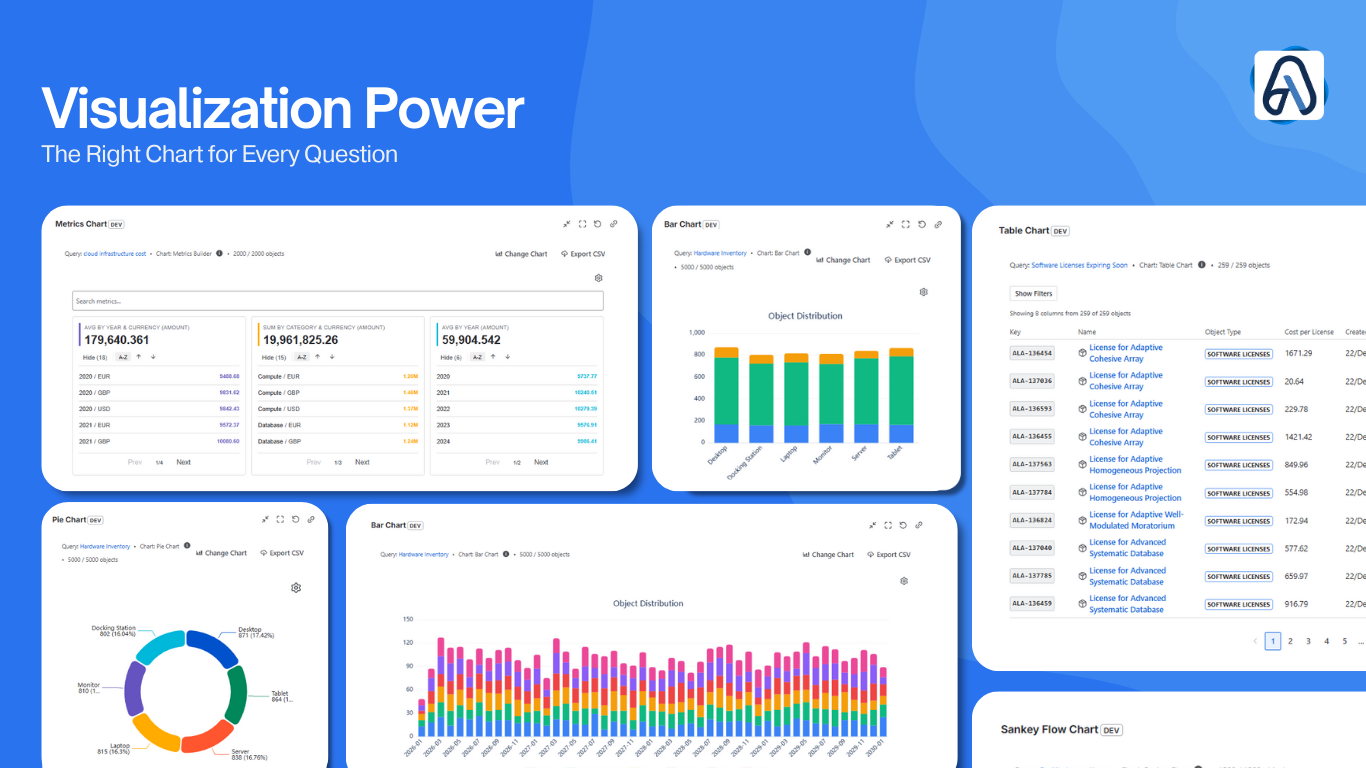
Our app recognizes these shared attributes. It allows you to group data from different object types into a single chart. You can see your entire inventory spend or lifecycle status in one view, regardless of how many different object types you are tracking.
Reaching into Nested Objects
The most important asset data is rarely on the primary object. It is usually a few “hops” away. A Laptop is linked to a User, who is linked to a Department, which is linked to a Cost Center.
If you want to report on asset distribution by Department, most tools require you to manually sync that data or write complex scripts.
Assets Analytics uses a simple traversal method. You can reach through these links to pull the “hidden” data to the surface. You can build reports based on the Owner’s Department or the Server’s Location without moving data around or changing your schema. It treats your CMDB like a connected network rather than a flat list.
Performance without the Sync Lag
Many teams move their asset data to external BI tools like PowerBI or eazyBI. This adds a layer of complexity and introduces “sync lag,” meaning your reports are always slightly behind reality.
Since our app is built on the Atlassian Forge platform, it queries your Jira data directly. There is no external database and no data egress. Your reports are always live, and your security posture remains exactly as Atlassian intended.
Pro-Tip for ITAM Managers
When setting up your Asset Schema, ensure your “Core” attributes (like Serial Number, Manufacturer, and Purchase Date) use the exact same name across different object types. Even if the objects are different, consistent naming allows Assets Analytics to automatically group them. This simple step turns a fragmented CMDB into a unified, reportable system from day one.
Ready to see the full picture?
Stop fighting with basic pie charts. Find Assets Analytics for Jira on the Atlassian Marketplace and start reporting on the actual relationships in your data.